
 0 Comments

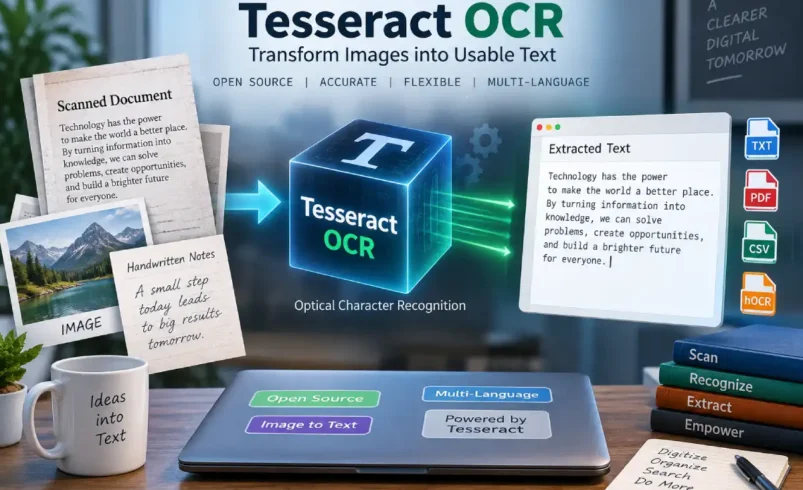
When hiding documents in an image, in a scanned page of a document, in a screenshot, in a photo (you know, all these files have clear text to humans, which is not clear for computers). That is why Tesseract OCR comes out with the objective to make clear-text image files, etc., into machine-readable files that we can write, analyze, save… Tesseract is an OCR engine freely distributed under the Apache 2.0 license, with version 5 as the stable release.
What Is Tesseract OCR?
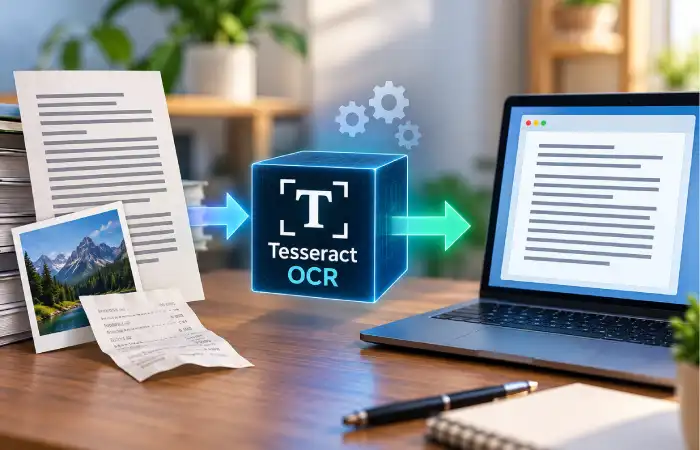
Tesseract OCR is an open-source OCR engine that extracts text from images into digital text files. Simply put, Tesseract is a bridge that converts images into editable text. It takes in scanned documents, photographs, screen captures, or other supported image file types, then interprets the shapes of the characters and generates text from them.
Many features available from commercial OCR service providers are available in Tesseract and can be installed and run on a local computer. Tesseract also provides an API allowing programmers to embed OCR capability in their own software.Originally developed by Hewlett-Packard and made open source in 2005, it was later maintained for many years by Google. The later developed version of Tesseract significantly differs from the earlier version with the use of LSTM-powered neural networks, which debuted in Tesseract 4.
How Does Tesseract OCR Work?
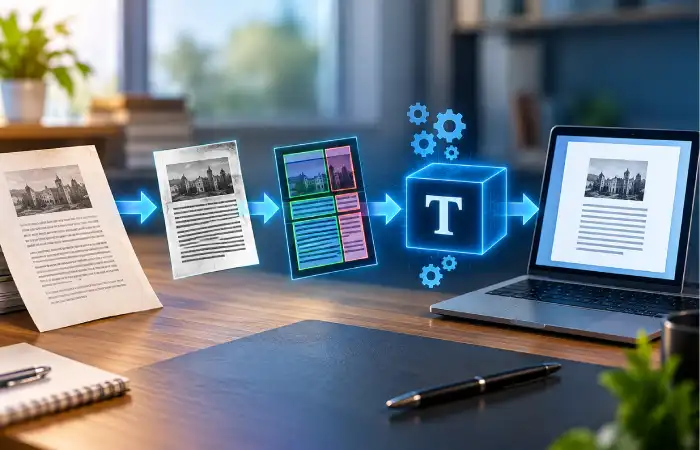
OCR might seem like a “fire and forget” process from the outside. The OCR engine receives image input and outputs text. But behind the scenes is a multi-stage process.
First, Tesseract reads the image and tries to discern what the structure of the image is, recognizes the lines in the image, recognizes the shapes in lines, and tries to figure out, based on recognition models, what they are.
Today, Tesseract is powered by an LSTM-based OCR neural network. This OCR model is oriented around line recognition, and Tesseract 5 still offers this modern approach to OCR, though it also supports some legacy models if needed.
The quality of the source image seems to have a significant impact too. A clear, sharp scanned image with good contrast works much better than a dark, grainy picture, and Tesseract documentation recommends scaling, binarization, denoising, deskewing, and proper page segmentation.
Key Features of Tesseract OCR
Tesseract has remained popular partly because it gives developers considerable control without requiring a proprietary OCR subscription.
Some notable capabilities include:
- Open-source licensing: Tesseract is available under the Apache 2.0 license.
- Multiple languages: Official language data covers a wide range of languages and scripts.
- LSTM neural-network recognition: Modern versions use an LSTM-based OCR engine.
- Command-line operation: Users can process images directly from a terminal.
- Developer API: Applications can integrate Tesseract rather than relying on a standalone program.
- Multiple output formats: Results can be produced as plain text, searchable PDF, hOCR, TSV, and other formats.
- Custom training: Developers can train models for particular languages, fonts, or specialized recognition requirements.
Tesseract OCR vs. Online OCR Tools
Tesseract is not your only solution for extracting text from images. While easy for general use by users online, Tesseract appeals to privacy, customization, automation, and cost concerns.
| Feature | Tesseract OCR | Typical Online OCR Service |
| Cost | Free and open source | Often free with paid limits |
| Processing | Can run locally | Usually cloud-based |
| Internet required | No for local processing | Usually yes |
| Developer control | High | Depends on API |
| Customization | Extensive | Usually limited |
| Privacy | Images can remain local | Images may be uploaded |
| Automation | Excellent for scripts and workflows | Depends on service |
| GUI | No built-in GUI | Usually available |
The thing isn’t that one is always better. Tesseract is best if you want to manage the OCR process yourself; if you just want to upload an image and have the text returned, a web service is simpler.
What File Formats Can Tesseract Handle?
Tesseract supports several image formats via its various image processing mechanisms (PNG, JPEG, TIFF, etc.), and different kinds of outputs as applicable:
Plain text: simplest output.
OCR: includes recognized text and data relevant to OCR (coordinates, confidence info). The output can serve as the basis for other processes.
TSV: the words recognized, together with bounding box and confidence measure associated with each word.
Searchable PDF: Tesseract can render a PDF, a layer of invisible text on top of the original image. Users of the document can then copy or search the words found by the OCR process.
How to Use Tesseract OCR
The most basic use will be quite straightforward for a comfortable command-line user. Once the system has Tesseract and the corresponding language data installed, all you need to do is something like:
This converts images into text output. Tesseract defaults to English for basic use; however, you can use the -l argument to specify a different language. There is a whole series of arguments available to tweak other things (OCR engine mode, page segmentation modes, etc.) in the man page and docs, for example:
The developer could specify English, it would require more args:
There are a bunch of other features available, like defining page segmentation and OCR settings, as well as a character restriction argument, use of dictionaries, and several other parameters.
Improving Tesseract OCR Accuracy
This brings me to one of the most serious mistakes in OCR: how accurate an OCR engine can be isn’t a factor of the OCR engine alone. Preparation and quality of photography could drastically change things here.
There could be shading, problems with photography geometry on an improperly shot page, the actual paper used, and the background. A complex OCR engine would have huge problems.
Before processing an image, consider:
- Increase image resolution when the original is too small.
- Straighten tilted pages through deskewing.
- Remove unnecessary noise from the background.
- Improve contrast between text and the page.
- Crop irrelevant areas around the document.
- Choose an appropriate page segmentation mode.
- Use the correct language model for the document.
Tesseract’s own documentation emphasizes image processing and page segmentation as important parts of improving OCR results.
Who Should Use Tesseract OCR?
Tesseract is particularly helpful for developers, researchers, archivists, business men/women, students, and other tech-oriented people. It helps to perform repeatable OCR processing.
A developer might decide to build document-processing software that extracts text from countless scanned pages. A business may decide to use it to search for and retrieve text from an archive of scanned images. A researcher might use this process to analyze historical texts.
It may also help people who choose to do OCR processing locally rather than send it to an outside entity over the internet.
Advantages and Limitations of Tesseract OCR
Tesseract is quite useful because it is free, open-source, scriptable, supports many languages, and can be integrated into larger applications.
It isn’t by itself a “solve all” to every OCR problem; handwriting, badly distorted images, novel layouts, fancy fonts, low-resolution images, and complicated tables may require more specific processing.
| Advantages | Limitations |
| Free and open source | No built-in graphical interface |
| Supports many languages | Image quality strongly affects results. |
| Works locally | Complex layouts may need adjustment. |
| Developer-friendly API | Handwriting can be challenging. |
| Supports automation | Requires some technical knowledge |
| Multiple output formats | May need preprocessing for difficult images |
Is Tesseract OCR Still Useful Today?
Yes. Tesseract still stands as a prominent open-source OCR project, especially when developers want a recognition engine they can tweak and tailor as needed. They have been steadily releasing new versions of the tool; in fact, at the time of writing, their release notes listed Tesseract 5.5.3, released on July 24, 2026, as the latest stable release.
Their ongoing commitment to development can also serve as a great reminder that the sleekest-looking application isn’t always the best solution — but the engines they’re built on often are and can still be repurposed.
Final Thoughts
Turning image text into useful digital data; The reason why it is more appealing than just being free; Free to run OCR on your computer; Automate repeated jobs, such as batch scanning. You can specify language models and modify recognition configuration. Customize multiple output formats. Integrate into your applications.
With well-prepared images and optimized settings, it can actually perform better than average on difficult images. Once know the image preparation and tuning mechanism, it’s beyond a simple image-to-text engine.